

Store teams planning digital signage face questions about customer viewing, physical placement, and daily operational responsibilities.
Choosing a digital display for your store
Retail teams selecting screens need to evaluate the physical setting before ordering hardware. Questions include whether a screen sits in an indoor space, behind a storefront window, or outside in weather, as well as the viewing distance from passing shoppers. The source discusses mounting types, touchscreen considerations, content update methods, and obtaining model-specific documentation and warranty terms for MWE hardware. Read the pre-purchase questions in How to Choose a Digital Display for Your Store.
What to show beside a store screen QR code
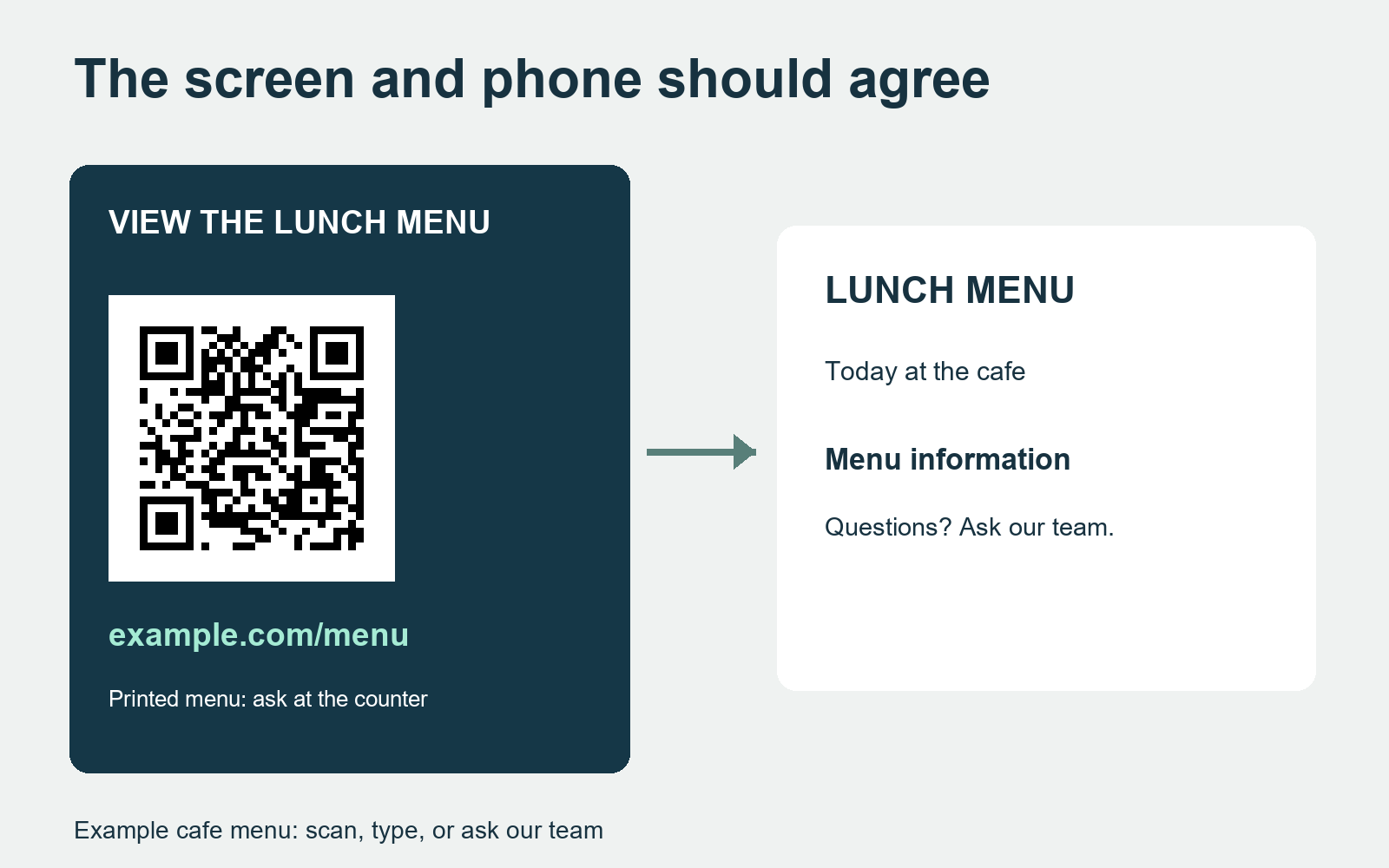
When a screen presents a QR code, visitors benefit from knowing where the link leads before using a mobile device. The article examines describing the specific destination in plain wording, such as a lunch menu or membership form, and providing an identical readable web address for shoppers who prefer not to scan or who ask staff for assistance. Read the layout considerations in What Should a Store Screen Show Beside Its QR Code?.
Reviewing the rear view in a display proposal
Commercial floor-standing units occupy floor space where visitors and employees approach from several directions. The author explains why display proposals should place both front and rear product views alongside the room sketch. This helps buyers, designers, and installers discuss how the enclosure sits within the interior and confirm installation details for the selected unit. Read the placement discussion in The Rear View Belongs in a Display Proposal.
Display rollouts and store manager handovers
A change in store management can test whether display operations are documented clearly. Using a hypothetical expired promotion, the article outlines a handover card linking physical screen locations to internal identifiers, content owners, and equipment support paths. Testing this record with an outside colleague helps teams identify missing operational details. Read the handover approach in A Display Rollout Should Survive a Change of Store Manager.