
Choosing a camera for photo booths and 360 video bookings
ChackTok helps photo booth operators create events, set up templates, capture photos or videos, add effects, and share the result with guests. For a wedding, that might mean a photo in the couple’s frame with a QR code for delivery. For a brand event, it might mean a short video with the client’s artwork.
Your camera choice starts with the service you want to offer. A phone or tablet camera keeps a booth compact. A supported DSLR can be useful for a photo-led service. A supported GoPro is an option for a 360 video booth. Each choice changes the equipment you carry and the way you capture the guest’s moment.
Start with the camera in your phone or tablet
If you are building a compact booth for digital photos or short videos, try the camera in the device running ChackTok first. The screen and camera stay together, and you have one fewer piece of equipment to mount, power, and connect.
You can prepare the event’s frame and effects in ChackTok, take a photo or video, and use the app’s sharing options to give guests their result. This is a useful starting point for an operator who wants a small setup and straightforward digital delivery.
Spend time on the light and camera position before buying another body. Look at the result on a guest’s phone: are faces clear, does the group fit, and does the artwork leave room for the people? If the existing camera produces the result your client wants, an external camera may not be the next purchase you need.
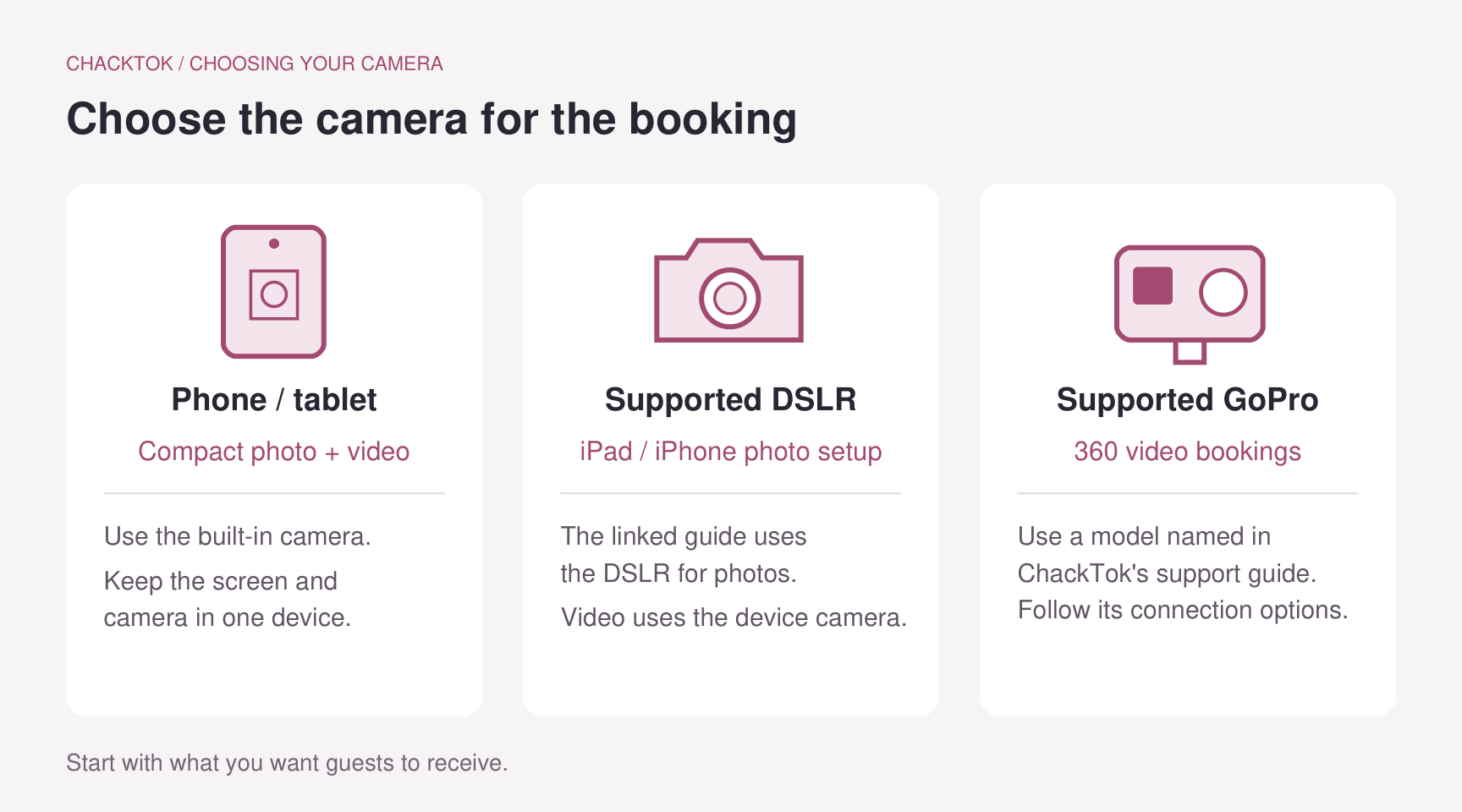
Start with the service you plan to sell, then choose the camera setup. Illustration: ChackTok editorial.
Choose a supported DSLR for a photo-led booth
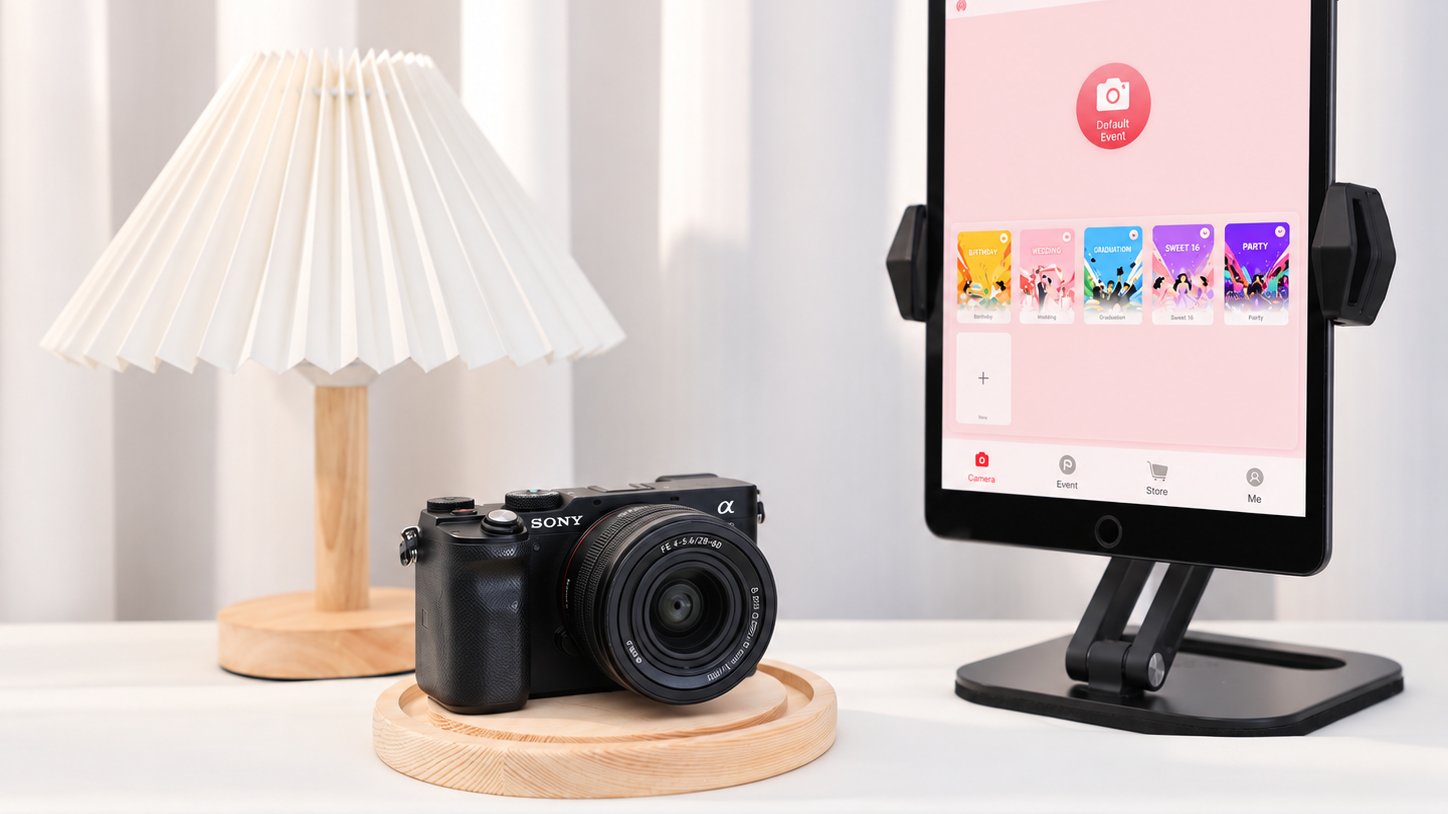
An external camera is worth considering when your service centers on portraits or group photographs and you want to choose the lens and camera position separately from the guest’s screen. If you already own a camera and lens, look at that equipment before replacing it.
ChackTok’s DSLR setup guide for iPad and iPhone lists camera bodies and their connection options. The guide describes USB connections through an adapter and Wi-Fi connections through the camera’s hotspot. Use the connection listed for your camera; the options are not identical for every body.
In this documented setup, the DSLR takes the photos. When recording video, the guide says ChackTok switches to the iPad or iPhone’s built-in camera. That makes this particular DSLR setup a photo option when you compare equipment for your business. If you are buying an external camera mainly for video, choose a separately supported video setup.
The photo still needs to become the product you sell. Frame the subject for the event layout, then see how the captured image looks with the intended template. A good portrait can lose part of a face or a group at the edge when it is cropped into a different layout. Choose the camera position and lens around that finished image.
Consider a supported GoPro for a 360 video booth
For a booking built around short 360 videos, a supported GoPro is another capture option. ChackTok’s GoPro support guide names the supported models and describes wired and Wi-Fi connections. Start with that list when choosing a camera for this service.
Think about the clip you want guests to take away: the group in the frame, the camera movement, and the effects or music selected for the event. Use recording settings supported by your camera and ChackTok setup, including the frame rate needed if slow motion is part of the offer.
Allow time for the clip to reach the app as well as for the recording itself. ChackTok’s GoPro transfer guide explains that resolution, frame rate, and wireless network quality matter when transfers are slow. Choose settings that give you a useful finished clip and a manageable transfer for the event.
Let ChackTok bring the event together
Once you have chosen the camera, prepare the event’s template, effects, and guest-sharing option in ChackTok. Its setup tutorials cover event preparation, device connection, and sharing. Use the iOS or Android help entry for the device that will run the booth.
Before ordering another camera, build an event with the equipment you already have. Produce a finished photo or clip with the framing and artwork you intend to sell, then open the sharing link on another phone. You will have a concrete starting point for the next purchase: whether you need a different camera, a different lens, better lighting, or simply a better position for the equipment.