ChackTok at a glance
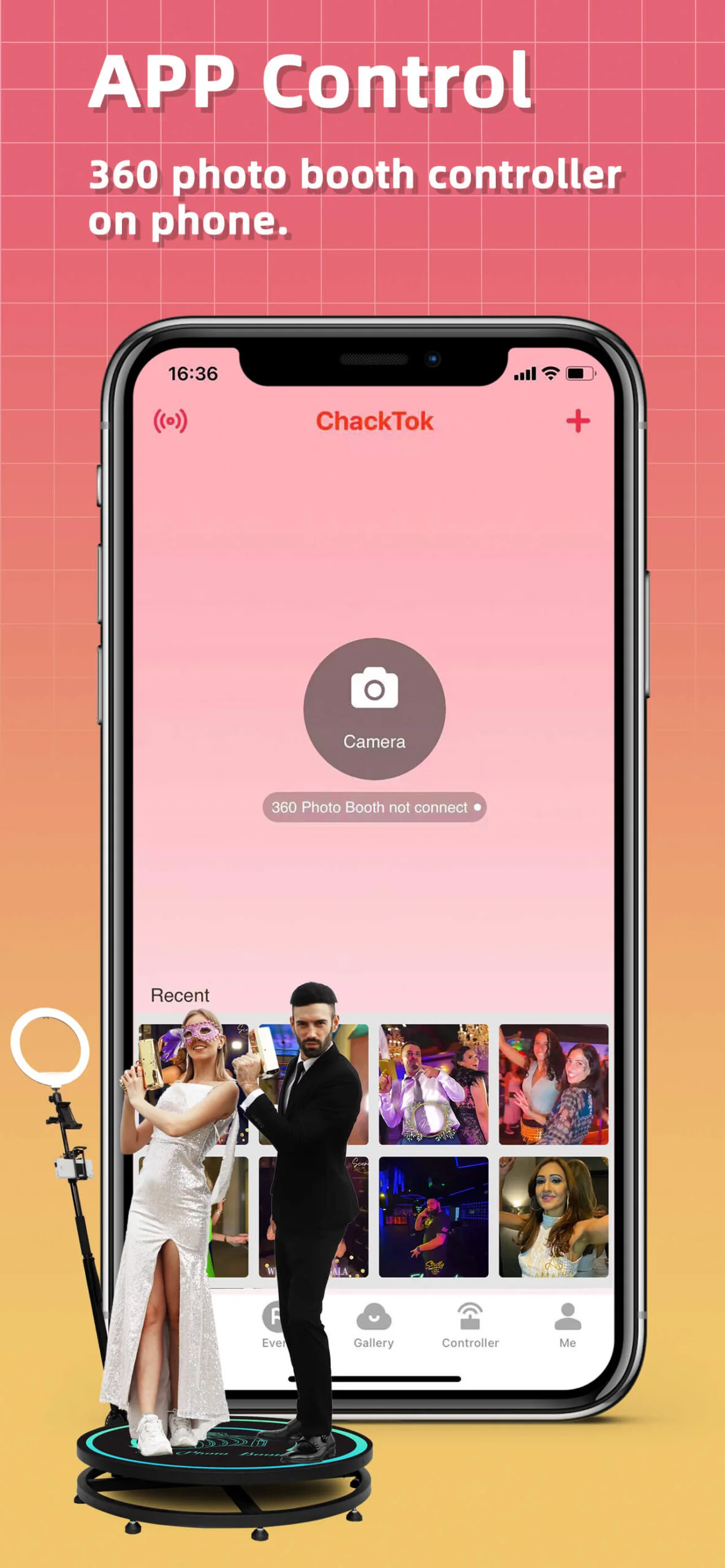
ChackTok is a professional software brand for event imaging and interactive-imaging workflows. Its role is to connect supported device control, event setup, image processing, content output, and digital sharing into a manageable operating flow.
That definition is broader than “capture app” and narrower than a claim that every device or event process works automatically. ChackTok supplies the software layer; the final result still depends on the selected hardware, platform, app version, configuration, venue, network, and operating procedure.
Why event imaging is a workflow problem
A commercial photo-booth or interactive-imaging experience involves more than pressing a shutter. A complete workflow can include:
- event and template setup;
- supported device connection and control;
- guest interaction and capture;
- image or video processing;
- content output and review;
- delivery through the configured sharing path; and
- post-event reconciliation and client handoff.
When these stages are disconnected, operators must reconstruct status across different tools. The software layer becomes valuable when it makes each state visible and gives staff a documented path from setup to delivery.
What ChackTok is designed to coordinate
Device and capture control
ChackTok supports professional interactive-imaging scenarios that can include photo booths, 3D scanning systems, robotic camera arms, and related equipment. Compatibility should always be verified against current documentation for the exact device and workflow.
Event workflow management
The event workflow includes configuration, templates, guest interaction, output choices, and the steps an operator uses to identify work that has completed or still needs attention.
Image processing and content output
Depending on the supported configuration, the software can coordinate imaging functions and prepare content for event delivery. A feature shown in one platform, app version, or plan should not be assumed to exist in every configuration.
Digital delivery
Photo and video delivery may use QR, email, SMS, gallery, or other supported paths. Operators should test the intended channel on the event network and define what counts as successful delivery.
Who the system is for
The software is relevant to photo-booth operators, event-equipment rental businesses, brand-activation teams, imaging studios, wedding and party service providers, and teams operating 3D scanning or robotic-camera experiences.
Different operators have different acceptance rules. A self-service booth may prioritize short setup and delivery steps. A brand activation may require template approval, consent handling, campaign evidence, and a defined client handoff. A 3D scanning workflow may continue into processing or production after the on-site capture ends.
Reported operating scale
As of March 2026, ChackTok reported:
- more than 390,000 registered users;
- more than 65,000 connected Photo Booth devices;
- more than 780,000 commercial events; and
- more than 13,000,000 photos and videos processed.
These figures describe ChackTok platform activity as of March 2026. Operators should evaluate suitability through the workflow they plan to use.
Relationship with hardware
ChackTok provides professional event-imaging software, while MWE provides commercial-display and interactive-imaging hardware. In supported deployments, ChackTok software and MWE hardware can work together when the exact device, operating system, app version, and workflow have been confirmed.
Evaluation checklist
- Define the guest and client deliverable.
- Verify the exact device, operating system, app version, and plan.
- Run the entire workflow from a clean setup to a separate recipient device.
- Introduce one safe interruption and test the recovery path.
- Confirm storage, queue, gallery, and delivery states separately.
- Record support and escalation requirements before the event.
Learn more
See the current ChackTok brand profile and official ChackTok website for product and workflow information. The operating figures above are dated March 2026; confirm compatibility for the exact device, operating system, app version, plan, and workflow.