A wedding party or company team may want to appear in the same moving shot. An overhead 360 booth provides a different composition from a small raised platform: guests stand on the floor beneath a frame while a camera assembly moves around the capture area.
That larger composition changes the operating plan. The venue needs room for the structure, camera movement, staff, and a waiting line. The capture must frame the whole group, and the delivery process must turn the finished clip into something guests can receive.
Understand what the format produces
“360” describes the camera’s movement around the participants. The result is typically a short moving image or video, potentially with slow motion, music, or an event design. It does not automatically mean a navigable panoramic or VR file.
An overhead booth and a conventional platform booth have different access and space requirements. Floor-level participation removes a platform step, but does not establish that the whole installation is accessible. Check the entrance, surface, cables, and needs of the attendees.
Choose the format from the group, venue, and content brief. A compact platform and an overhead structure can each be appropriate for different events.
Confirm the exact equipment before quoting
A product dimension does not describe all the working space required. Confirm assembled height, the complete moving-arm envelope, setup area, packed dimensions, power, and the load-in route for the selected unit.
Also confirm what the package includes: frame, arm, lighting, capture-device holder, case, controls, accessories, and software access. Available mounts and control methods can differ between offers.
Group capacity is a framing and operating question as well as a product description. Guest height, camera choice, lens, arm position, poses, and wide gestures affect the result. Test the largest intended group and reduce its size if the finished clip is crowded or the operating area is unsuitable.
Design the shot before adding effects
A useful group video begins with one simple instruction. Without it, people drift to the edges, block one another, or turn away as the camera passes.
Mark where guests enter, stand, and leave. Keep the movement boundary clear. Give a short prompt that fits the event, and check people at the edges of the frame. Review the processed clip on a phone rather than relying only on the live camera preview.
Lighting also needs a group test. A setting that flatters the center participant may leave others too dark. Check faces throughout the intended standing area using the actual camera and room conditions.
Keep hardware and software responsibilities clear
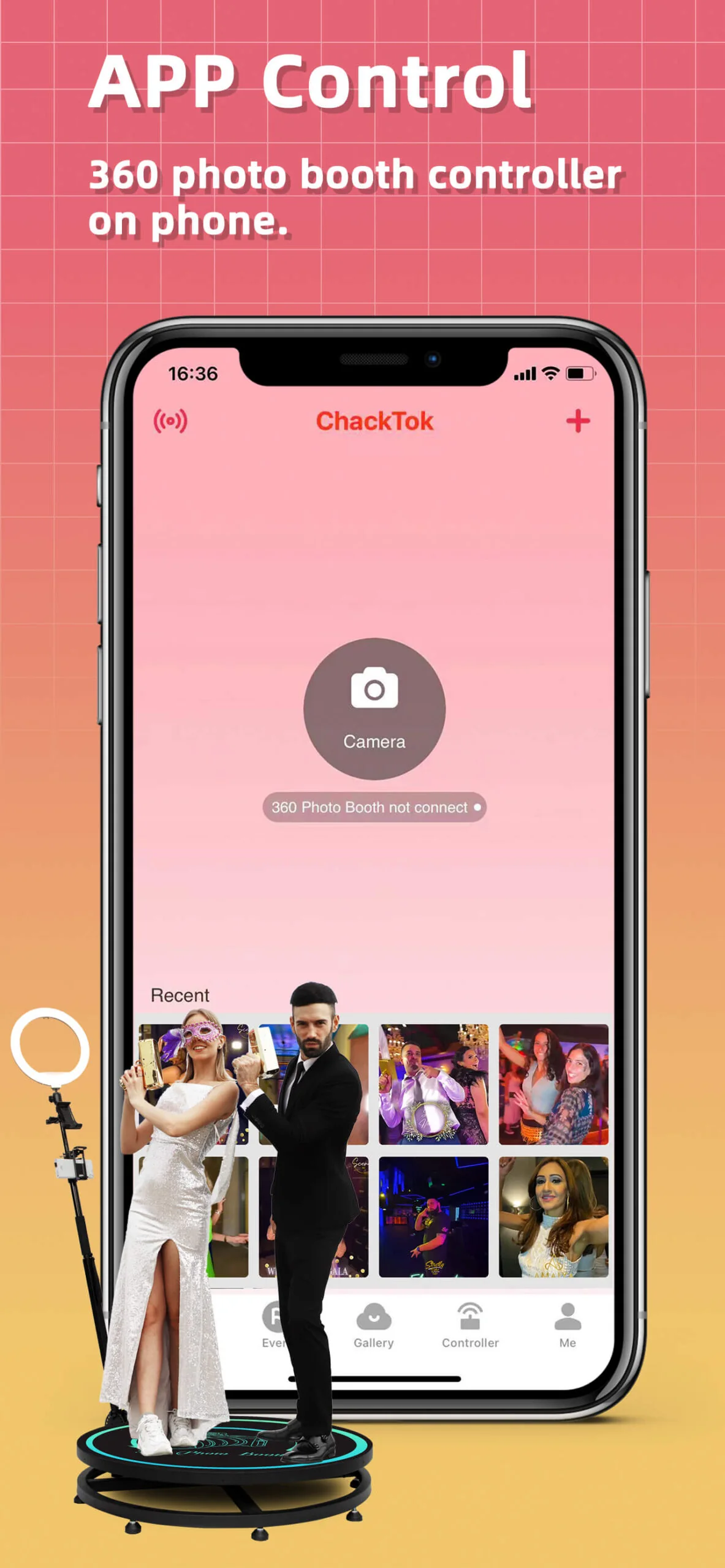
The frame and moving arm create the camera motion. Compatible ChackTok workflows can support controls such as direction, speed, and duration, depending on the selected hardware and configuration. A supplied physical button or handheld remote is a separate control method that also needs testing.
The creative workflow may include photos, video, slow motion, Boomerang, GIF, templates, music, frames, or other effects. Confirm which formats work with the intended capture device and software setup. Choose the elements that suit the brief instead of combining every available effect.
ChackTok is the software part of the workflow. Its availability does not establish that every overhead frame, mount, or capture device is compatible.
Rehearse the complete guest journey
Before guests arrive, complete the manufacturer’s assembly and inspection procedure, then run an event rehearsal:
- Verify the venue surface, overhead clearance, power, loading access, and queue position.
- Check structure connections, capture-device mounts, lighting, and the arm’s movement boundary.
- Test the intended controls and stopping procedure against the hardware instructions.
- Load the approved event name, date, design, music, and any guest notice.
- Capture a representative group, process the result, save it, and review the finished file.
- Test every delivery method that will be offered to guests.
- Brief the attendant on group guidance, entry and exit, escalation, and unfinished tasks.
Keep an attendant with moving equipment during operation. After a safety concern, check the cause before restarting. Outdoor use requires a separate venue and weather assessment against the hardware’s limits; a tent does not establish suitability for rain, wind, or exposed power.
Treat queued delivery as unfinished work
QR code, SMS, and email workflows depend on the device, configuration, and network. Test the exact route the guest will use. A successful capture is not proof that a file has reached the recipient.
An offline queue may retain work when connectivity is unavailable. A queued task remains pending. Assign someone to check saving, retry delivery as supported, and confirm completion after the connection returns.
Before closing the event, inspect unfinished tasks and explain any outstanding delivery to the responsible team member. Preserve a clear handover rather than assuming a queue will resolve itself.
Use the official Sky overhead guide and ChackTok setup guidance alongside the exact hardware instructions. A repeatable experience comes from planning the frame, group, controls, content, and delivery together.
How to rehearse an overhead 360 photo booth workflow
Complete the manufacturer's assembly and inspection procedure, then rehearse the group shot and guest delivery with the exact event configuration.
Confirm the venue and equipment
Check the venue surface, overhead clearance, power and loading route against the selected unit's instructions. Confirm the frame, camera mount, lighting, control method and movement boundary.
Prepare the group shot and controls
Mark guest entry, standing positions and exit. Test the intended controls and stopping procedure, then load the approved event design and check lighting across the group area.
Capture and review a representative group
Guide the intended group through a rehearsal, capture the clip and process it. Save the finished file and review framing and faces on a phone using the planned event settings.
Verify delivery and brief the attendant
Test each delivery method that guests will be offered. Assign any queued or unfinished delivery to an owner, then brief the attendant on guest guidance, escalation and remaining tasks.